
Introduction
If you are developing on Odoo, deploying your custom modules to Odoo.sh is a common workflow. Unlike local development, Odoo.sh installs modules directly from your Git repository, so understanding the correct structure and process is essential.This guide will walk you through how to install a custom module in Odoo.sh for Odoo v19, step by step.
Odoo.sh is a cloud platform that automatically builds and runs your Odoo project from a Git repository.Key concept:
- Your modules must exist inside the repository
- Every push triggers a build
- Odoo.sh automatically scans addon paths and makes modules available in the Apps menu.
Step by Step
Method 1: Deploy directly from the Odoo App Store
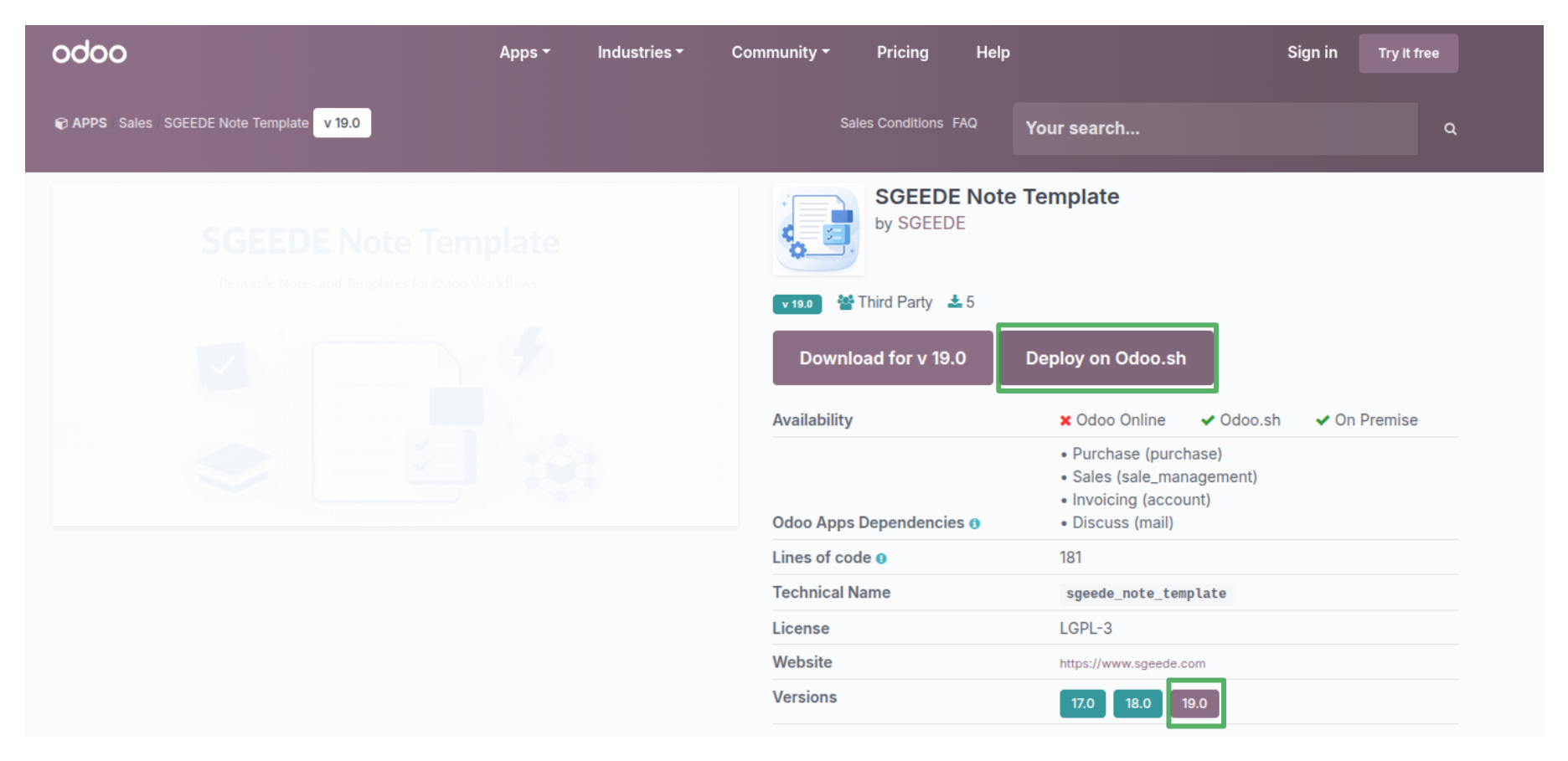
When you press Deploy on Odoo.sh, the App Store will:
- Ask you to choose your Odoo.sh project
- Select the branch where the module should be installed
- Automatically add the module as a Git submodule or dependency
- Trigger a new build on Odoo.sh
After the build finishes:
- Open your Odoo database
- Go to Apps
- Search for the module
- Click Install
Method 2: Create your Own Custom Module
You can create a module locally or download it from a trusted source. Typically, the module is provided as a .zip file. Extract it to access the actual module folder before pushing it to Odoo.sh.
1. Clone your odoo.sh repository
Get the repository URL from your Odoo.sh github the select branch. Then:
git init
git pull <your-odoo-sh-repository-url> <your-repository-name>
2. Add Files to Git :
git add .
3. Commit Your Changes :
git commit -m "Add custom module: your_module_name"
4. Push to Odoo.sh
git push <your-odoo-sh-repository-url> <your-repository-name>
5. Verify the Build in Odoo.sh
Log into your Odoo.sh dashboard, navigate to the Branches view. You should see your new branch with a build in progress. Once the build completes (status shows "Connected"), click "Connect" to open the Odoo database for that branch.
Conclusion
Installing a custom module in Odoo.sh is straightforward once you understand that the platform deploys modules directly from your Git repository.
The workflow is simple:
- Create your module locally
- Push it to the repository
- Wait for the Odoo.sh build
- Update the Apps list
- Install the module
By following these steps, you can efficiently deploy and maintain custom modules for Odoo v19 in a cloud development environment.