Overview
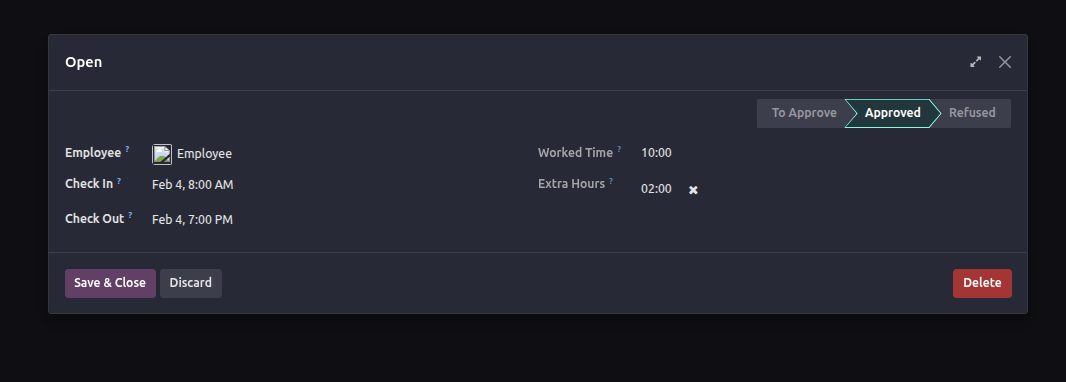
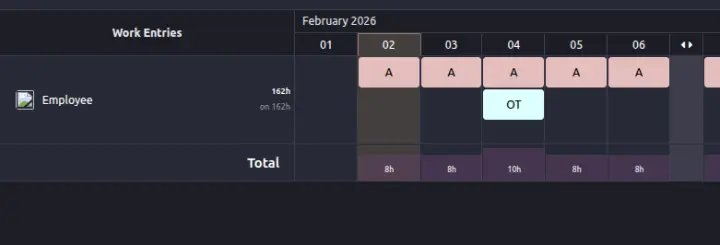
Overtime management in Odoo 19 is implemented through a rule-driven payroll mechanism. Overtime is not entered manually; instead, it is computed automatically based on employee attendance, working schedules, and overtime rulesets linked to employee contracts. The accuracy of overtime calculation fully depends on how these rules are configured.
This article focuses on the practical configuration flow, starting from creating overtime rules, applying them to employees, and understanding how rule logic works especially the "The Rule Is Based On" selection and timing evaluation.
Step 1: Create the Overtime Ruleset
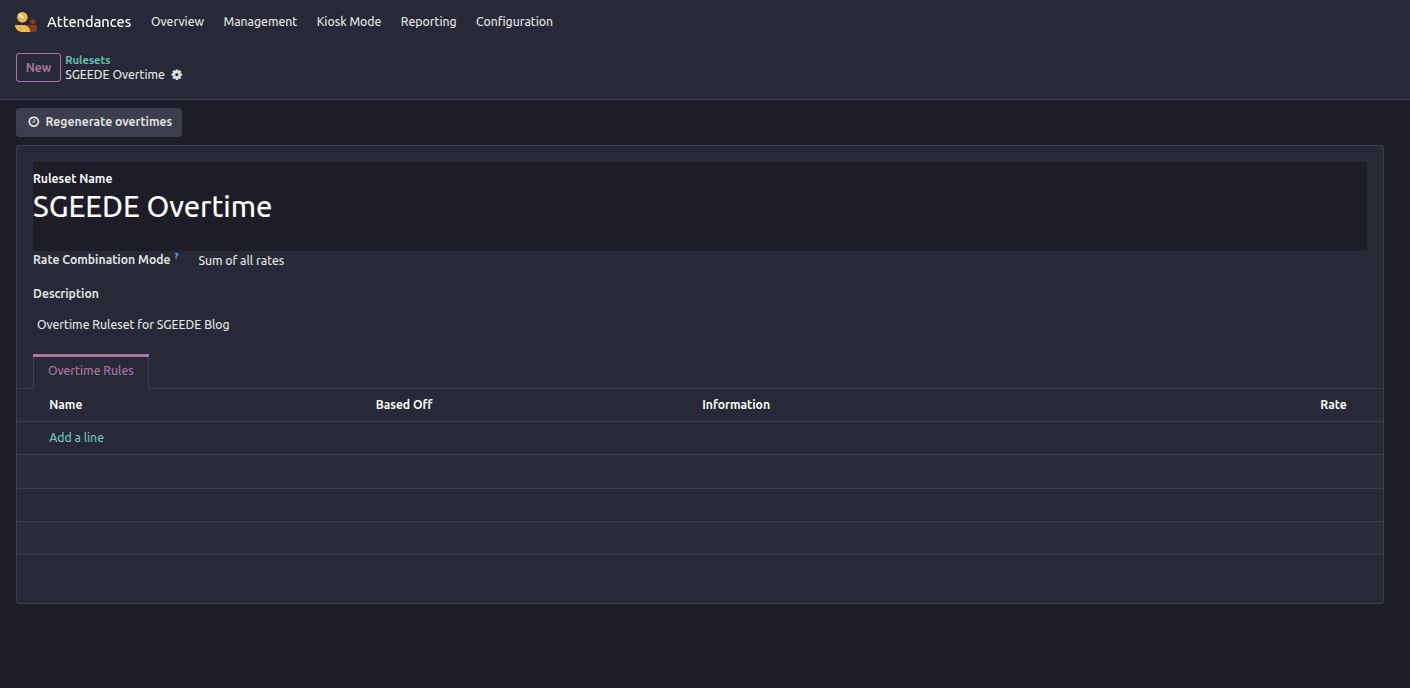
The first step is defining an overtime ruleset that will later be applied to employees.
Navigation:
Attendance → Configuration → Overtime Rulesets
Steps:
- Click Create
- Enter the ruleset name (e.g., Standard Overtime Ruleset)
- Select the applicable company
- Save the record
At this stage, the ruleset is only a container. No overtime will be calculated until rule lines are added.
Step 2: Apply the Ruleset to an Employee
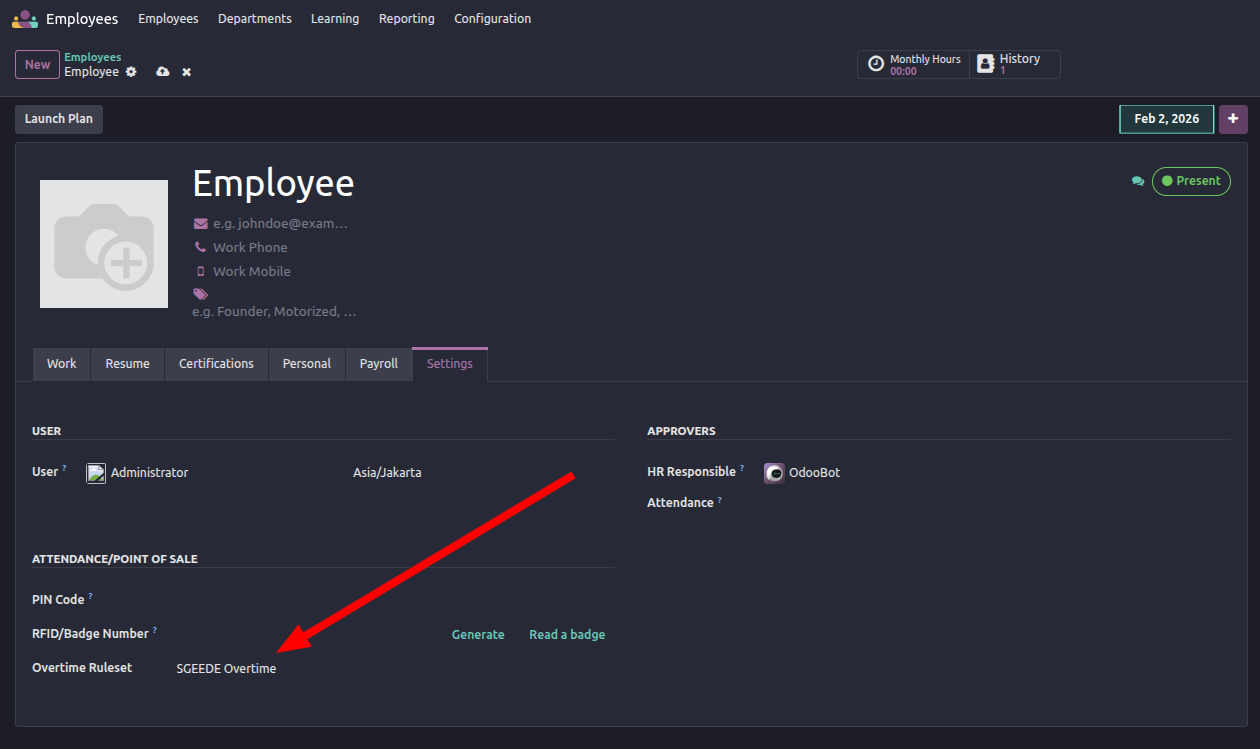
An overtime ruleset must be assigned to an employee to take effect.
Steps:
- Open an active contract
- Select the Overtime Ruleset field
- Save the change
Overtime rules are evaluated only for employees with an active contract linked to a ruleset.
Step 3: Create Overtime Rules and Rule Logic
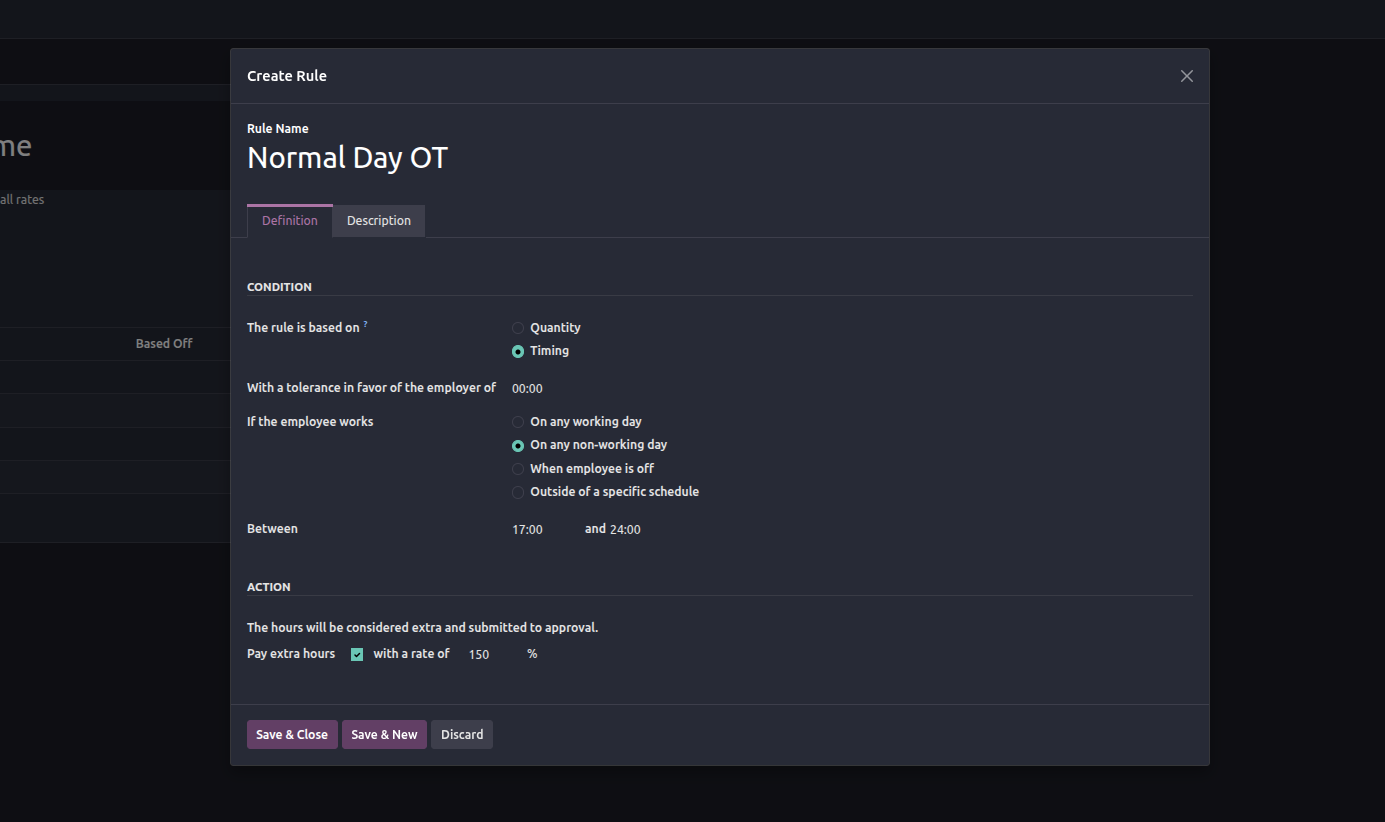
Inside an overtime ruleset, rules define how overtime is calculated.
Each rule represents a specific overtime condition, such as weekday overtime, weekend overtime, or public holiday overtime.
Key configuration fields include:
- Rule Name
- The Rule Is Based On
- Trigger condition
- Rate or multiplier
Overtime Concept in Odoo 19
Overtime in Odoo 19 is not calculated directly from attendance records. Instead, the system uses the following flow:
- Employee attendance generates Work Entries
- Work entries are compared against the employee’s Working Schedule
- Any time outside the scheduled hours is evaluated using an Overtime Ruleset
- The result is converted into payroll input lines during payslip computation
Without a properly configured ruleset, overtime will not be calculated even if attendance exceeds scheduled working hours.